
Why Your Site Slows Down During a Sale (And the Fix)
The Pressure of High-Volume Traffic
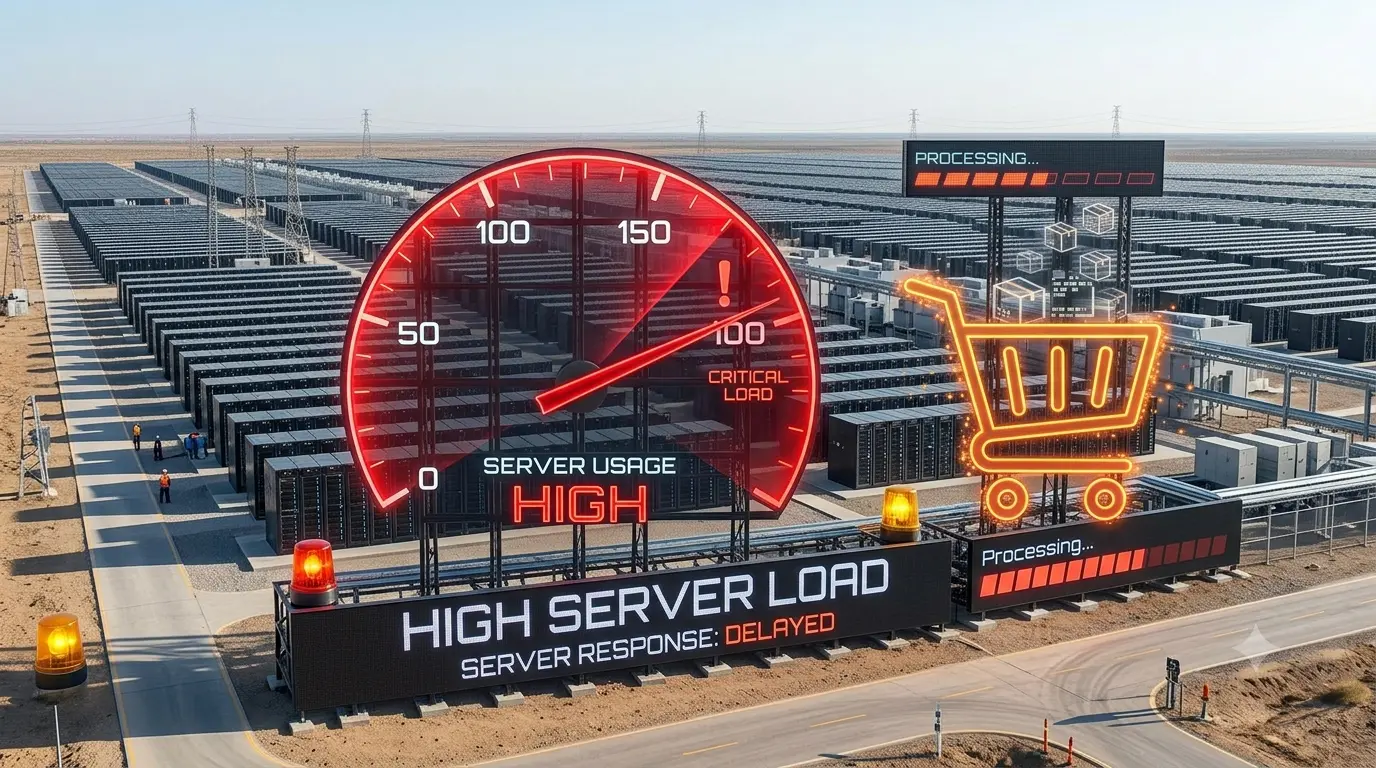
Running a digital store sale brings massive excitement and heavy stress. You launch a big discount campaign and watch your traffic spike. Suddenly, your WordPress dashboard freezes completely. Customers complain that the checkout page takes ten seconds to load.
A slow website during a major promotional event kills your conversion rate instantly. We process massive traffic surges during our seasonal sales events. If your digital infrastructure is not optimized, that sudden traffic will crush your server. You must optimize your system architecture before the discount begins.
Every lost second of loading time costs you real money. Your buyers will simply abandon their carts and leave for a competitor. Preparing for this traffic surge requires strict technical discipline.
The Danger of Uncached Server Traffic
When a user visits your store, your server builds that page dynamically. It pulls product details, current prices, and images from the database. This dynamic process requires significant computing power and physical memory. If one hundred people hit your homepage simultaneously, your server simply crashes under the heavy load.
Caching solves this problem by serving a pre-built static version of the page. This completely bypasses the heavy database queries for regular visitors. However, critical pages like checkout and cart widgets cannot be cached.
You must leave maximum server processing power available for those specific dynamic payment actions. A static homepage protects your database from unnecessary repetitive queries. This keeps your server stable during extreme traffic peaks.
The Golden Rule of Cache Clearing
Most store owners clear their website caches completely wrong. If you use a dual-layer caching system, the exact clearing order matters immensely. We use server-level NGINX caching alongside the WP Rocket plugin. You must clear the NGINX cache from your hosting cPanel first.
This is a non-negotiable operational rule for stability. Only after the server cache is completely empty should you clear WP Rocket. If you reverse this exact order, you will serve broken layout files to your customers. The server will cache a broken intermediate state.
Never skip the primary server-level purge before clearing your application cache. Always verify the final visual result in a fresh incognito window. This guarantees your customers see the correct updated layout.
WP Rocket Settings That Destroy Themes
Many online tutorials tell you to turn on every single optimization switch. This is terrible advice for a complex WooCommerce storefront. For example, combining CSS and Javascript files breaks many modern themes completely. We keep the combine CSS and JS options permanently disabled.
Turning it on breaks our Woodmart theme styling instantly and destroys the mobile menu. Focus on simply minifying your CSS files instead of combining them together. This reduces the total file size safely without destroying your visual layout architecture.
Complex themes load scripts in a very specific order. Combining them forces them into a single file and breaks that fragile loading sequence completely. Keep your files separate to maintain perfect visual stability.
Handling Heavy Third-Party Marketing Scripts
Marketing tools are absolutely essential for running a profitable digital sale campaign. However, tracking pixels and live chat widgets drag your loading speed down heavily. You should delay Javascript execution for all non-essential third-party scripts.
This specific setting allows the visible product page to load instantly. The heavy marketing scripts only load when the user scrolls or moves their mouse. Make sure you exclude essential scripts like your Meta Pixel from this delay function.
You do not want to lose vital conversion tracking data during a sale. Excluding Facebook scripts ensures your advertising attribution remains completely accurate. It balances high-speed performance with crucial marketing analytics.
Removing Unused CSS and Protecting Icons
Modern WordPress themes load massive stylesheets containing code you never actually use. Removing unused CSS speeds up your mobile page performance drastically. However, this aggressive optimization can sometimes strip out important navigation icon fonts.
We fix this by adding specific font names directly to the CSS safelist. If you use Woodmart, you must safelist elements like woodmart-font and wd-font. You must also exclude the core theme CSS folders from the removal process entirely.
This stops the optimizer from breaking your core visual layout. Always verify your visual changes in a completely fresh incognito browser window. Missing icons confuse customers and make your store look highly unprofessional.
Why Checkout Pages Crash Under Pressure
The checkout page is the most resource-heavy section of your entire website. Every single checkout action writes new data to your store database instantly. Your server must calculate taxes, apply discount coupons, and ping external payment gateways.
If your database is heavily bloated, this calculation process becomes painfully slow. You must clean your database before launching a major monthly discount campaign. Delete old spam comments, clear expired transients, and remove abandoned cart sessions.
A lightweight database ensures your payment gateways process orders instantly without timing out. Slow checkouts cause double-charges and massive customer frustration. Clean your tables to keep the money flowing smoothly.
Database Architecture and Legacy Tables
High-volume stores must make careful decisions regarding their database table structures. WooCommerce recently introduced High-Performance Order Storage to speed up checkout queries. However, jumping to new database architectures can sometimes break older legacy plugins.
We currently rely on the standard legacy WordPress posts table for absolute stability. We manage our performance through strict server-level caching rather than database restructuring. You must ensure your specific theme fully supports new database features before enabling them.
Test any structural database changes on a private staging site first. Never test experimental database features on a live production server. A broken database table will shut down your entire business instantly.
Managing PHP Workers and Server Resources
Your server limits how many dynamic requests it can process simultaneously. These concurrent processes are handled by individual PHP workers. If you have too few workers, your checkout page simply stops responding.
Customers will see a bad gateway error or a blank white screen. You must monitor your server resource usage closely during promotional events. If your CPU usage hits one hundred percent constantly, you need more processing power.
Upgrading your hosting plan temporarily during a big sale is a smart investment. It guarantees your store stays online when buyers are ready to pay. Do not lose a massive sale just to save a few rupees on hosting.
The Danger of Automatic Updates During Sales
Never allow your plugins or themes to update automatically during a live sale. An unexpected code update can easily conflict with your active caching setup. This can cause sudden fatal errors right when traffic is highest.
We keep automatic updates permanently disabled across our entire production environment. If a plugin requires a security patch, we apply it manually during quiet night hours. You must lock down your system configuration completely before launching any major discount code.
Stability is vastly more important than having the newest plugin version. A broken checkout page costs you far more than missing a minor feature update. Keep your code locked until the sale finishes.
Securing Your Setup for the Rush
Do not let a slow website ruin your best sales month. Configure your precise caching sequence correctly to avoid serving broken pages. Disable generic optimization settings that break your specific visual theme.
A fast, reliable store builds immediate trust with brand-new buyers. If you need secure productivity tools to manage your growing business, always buy legitimate versions. You can check our verified online store catalog to purchase genuine software keys today.
Keeping your infrastructure fast and stable is the key to scaling your digital revenue safely.