
For four years, my online store was quietly invisible to Google. Not banned. Not penalised. Just invisible in one specific, expensive way.
The cause was a single checkbox in a plugin most WordPress users trust completely. It was switched off. Nobody noticed. And it cost me thousands of visitors a month, every month, for years.
This is exactly what happened, how I found it, and how you can check your own store in five minutes. If you run a WooCommerce shop, please read this before you assume your SEO is fine.
The symptom: traffic that should have grown, but never didp
My store sells digital products. Over the years I added more products, more categories, and more content. By any normal logic, my search traffic should have climbed steadily.
It didn’t. It stayed flat, then drifted down. I blamed the usual suspects. Competition. Google updates. Bad luck. I even paid an SEO contractor for months to “fix rankings.”
Nothing moved. And I couldn’t understand why, because the individual product pages were ranking. People found my products. So the site clearly wasn’t broken.
That was the trap. The site looked healthy from the front. The damage was hiding in a place I never thought to check.
What “noindex” actually means
Before the fix makes sense, you need one concept: the difference between a page existing and a page being indexable.
A page can load perfectly for visitors while telling Google “do not include me in search results.” That instruction is called noindex. It’s a small tag in the page’s code. Search engines obey it without question.
Noindex has real uses. You noindex thank-you pages, login pages, and internal search results. You don’t want those in Google. That’s healthy.
The problem starts when noindex lands on pages you desperately want indexed. In my case, it landed on every single product category page. And I had no idea.
Why category pages matter more than you think
Here’s what most store owners underestimate. Your product pages are not your only doorway from Google. Your category pages are often bigger doorways.
Think about how people actually search. They rarely type the exact name of one product. They type broader things: “office software for mac”, “cheap antivirus for windows”, “cloud storage plans“.
Those searches match category pages, not individual products. A category page groups many related products under one keyword-rich URL. It’s built to rank for the broad, high-volume terms that bring in new buyers.
When your category pages are noindexed, you lose all of that traffic. You keep the narrow, low-volume product searches and lose the wide, high-volume category searches. Your store survives, but it never grows. That was my situation for four years.
How I finally found it
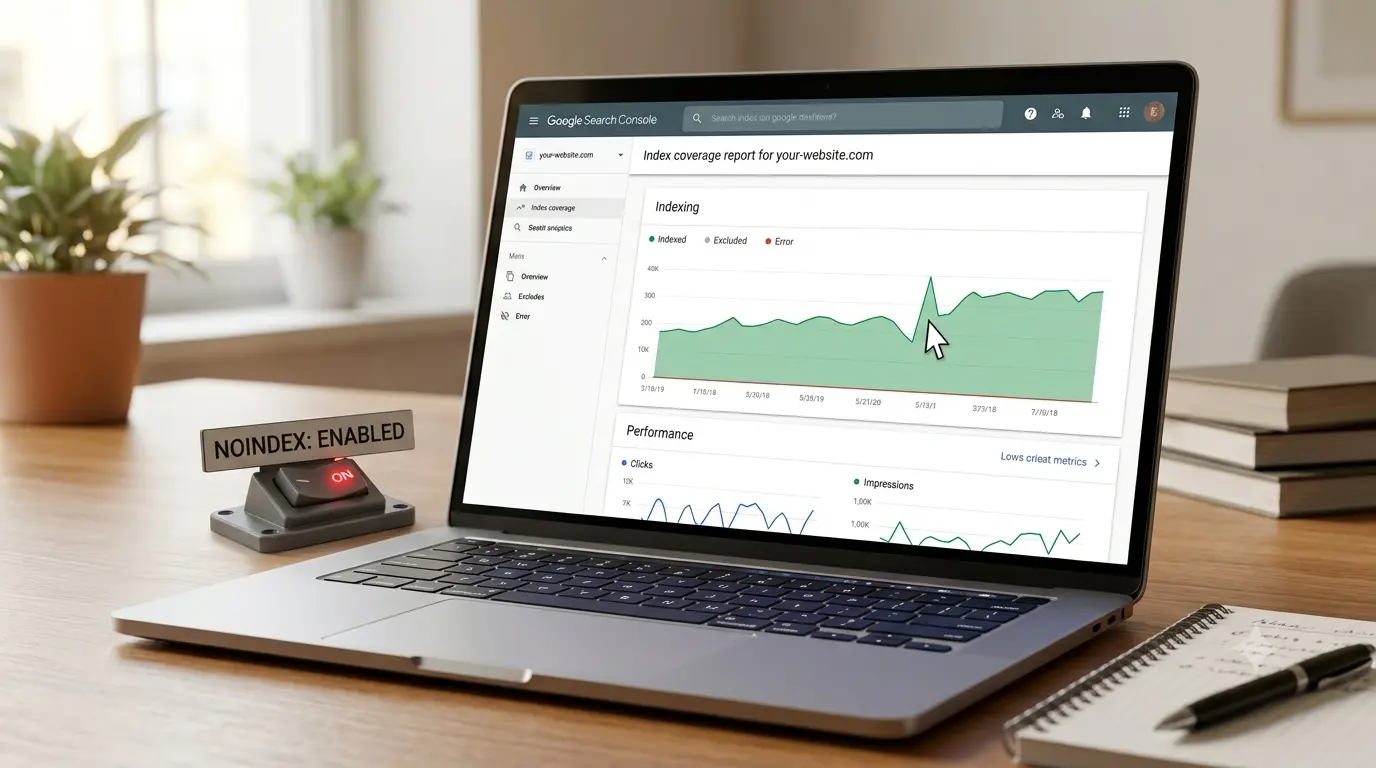
The discovery was almost an accident. I was auditing my site in Google Search Console, going through the indexing report properly for the first time in ages.
Search Console has a report that lists why pages aren’t indexed. I opened it expecting a handful of normal exclusions. Instead I saw thousands of pages marked with one reason: “Excluded by ‘noindex’ tag.”
I clicked in. Almost all of them were category pages. Every category on my store was telling Google to stay away.
My stomach dropped. This wasn’t a few stray pages. This was my entire category structure, my biggest potential traffic source, switched off at the source.
The actual cause: one Yoast setting
I use Yoast SEO, which is one of the most popular SEO plugins in the world. Yoast controls which types of pages get indexed. It has a settings area for exactly this.
Buried in there is a control for product categories. In older Yoast versions it was phrased as a “Show product categories in search results” toggle. Mine was set to off.
When that toggle is off, Yoast automatically adds a noindex tag to every product category page. It does this silently, site-wide, forever, until someone changes it.
I still don’t know exactly how it got switched off. It may have been a default at the time, or a setting a previous person flipped without understanding it. It doesn’t really matter. What matters is that it sat there for around four years while I paid for SEO help that never checked it.
The fix took thirty seconds
The repair itself was almost insulting in how simple it was.
I went into the Yoast settings, found the product categories control, and switched it to indexable. Saved. That was it. Thirty seconds to undo four years of damage.
After saving, I confirmed the fix in two ways. First, I checked a category page’s source code to make sure the noindex tag was gone. Second, I checked my sitemap. Once the categories were indexable, a proper category sitemap appeared with all 35 of my category URLs listed. Before the fix, that sitemap didn’t exist, because Yoast won’t list noindexed pages in a sitemap.
Seeing those 35 URLs finally appear in the sitemap was the moment I knew it was truly fixed.
What happened next: the recovery is slow
Here’s the part nobody warns you about. Fixing a noindex problem does not bring traffic back overnight.
Google has to re-crawl each page, see that it’s now allowed, and decide to index it. Then it has to re-evaluate where that page should rank. For a store with many category pages, this takes time. In my experience, expect a 4 to 12 week window before you see meaningful recovery, and longer for full effect.
So this is not an instant win. It’s a slow, compounding one. I checked Search Console weekly and watched the “excluded by noindex” count fall as the indexed count climbed. Patience is part of the fix.
How to check your own store right now
Do not assume this can’t happen to you. It happens to careful people. Here’s a five-minute self-check.
1. Check Google Search Console. Open the Pages report under Indexing. Look for the reason “Excluded by ‘noindex’ tag.” If your category pages are in that list, you have this problem.
2. Check a live category page’s code. Open one of your category pages in a browser. View the page source. Search the code for the word noindex. If it appears, that page is blocked from search.
3. Check your Yoast (or Rank Math) settings. In Yoast, look through the content-type and taxonomy settings for anything controlling product categories. Make sure categories are set to appear in search results. Rank Math has an equivalent setting under its Titles & Meta area.
4. Check your sitemap. Visit your sitemap. If there’s no category sitemap listing your category URLs, that’s a strong sign your categories are noindexed, because SEO plugins exclude noindexed pages from sitemaps.
The wider lesson: audit the boring settings
The reason this hurt so much is that it lived in a place I trusted and never questioned. I obsessed over content, backlinks, and page speed. I never audited the basic indexing toggles, because I assumed a popular plugin had sensible defaults and that nothing would silently change.
That assumption cost me years. The lesson is simple and it applies to every store owner. Open your indexing report regularly. Search Console tells you the truth about what Google can and can’t see. Most owners never open it.
Never assume defaults are correct. Plugins update, settings shift, and people click things. Verify, don’t trust.
When traffic is flat for no clear reason, check indexability first. Before blaming content or competition, confirm Google is even allowed to see your important pages.
A single hidden setting quietly capped my store’s growth for four years. The fix took thirty seconds once I found it. The finding is the hard part, and the only way to find it is to look.
Go and check your category pages today. It might be the most valuable five minutes you spend on your site this year.
1 thought on “How One Hidden Yoast Setting Buried My Store in Google for Four Years”