
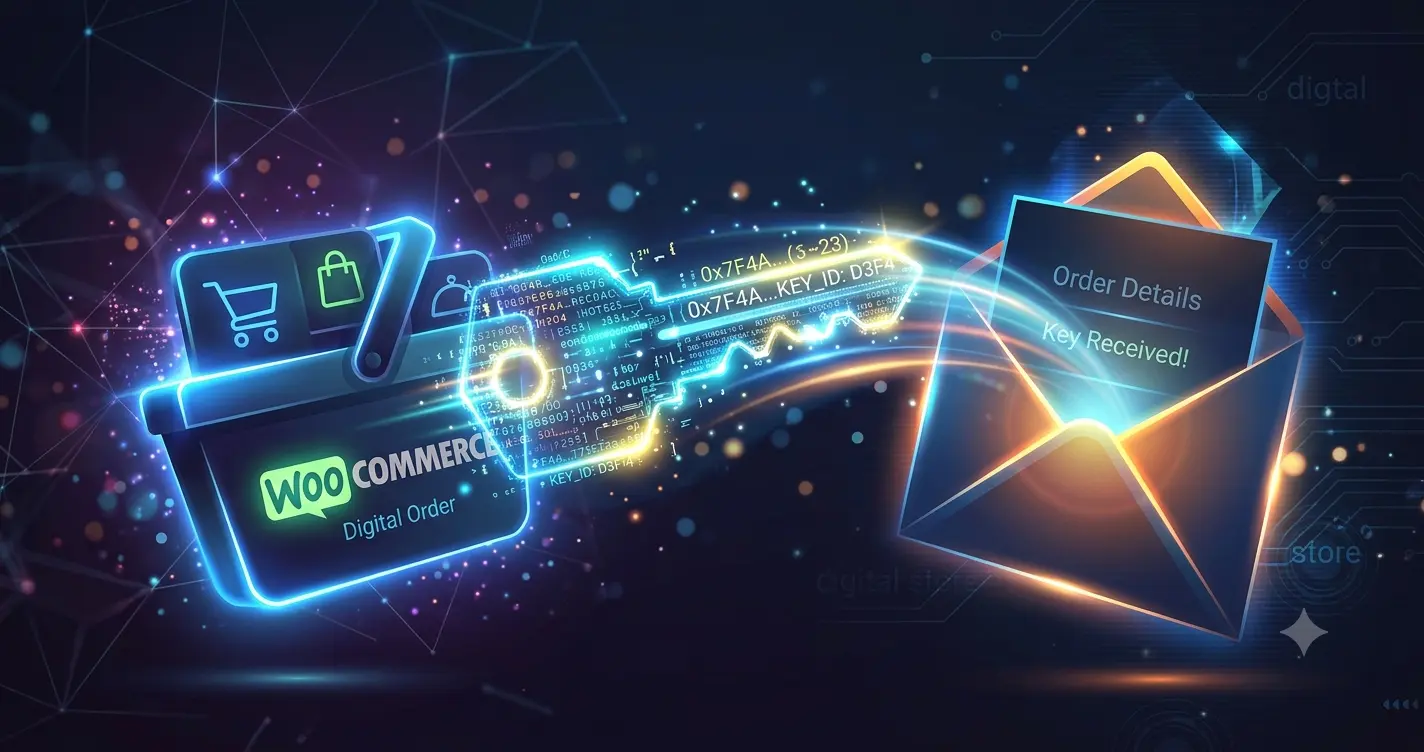
Selling digital products requires instant fulfillment. If your software license delivery delays even by five minutes, customers open fraud disputes. You must optimize your WooCommerce configurations to automate immediate delivery reliably.
Configuring Product Settings for Speed
WooCommerce handles physical goods by default. You must explicitly change the product settings for digital keys. Check both the “Virtual” and “Downloadable” boxes on the product data panel.
The Virtual setting removes shipping fields during checkout. This shortens the purchase flow significantly. The Downloadable setting activates the core file delivery system.
Selecting the Right Download Method
Go to WooCommerce settings and find the digital products section. You will see three file download methods. Choose “Force Downloads” or “X-Accel-Redirect” if your web host supports it. Never use “Redirect only” because it exposes your raw file URLs to the public.
X-Accel-Redirect requires specific NGINX server configurations. It protects your software files while serving them incredibly fast.
Managing Payment Gateway Webhooks
Instant delivery relies entirely on payment status updates. When a customer pays via credit card or digital wallets, the gateway sends a signal. This signal is called a webhook.
If your site has severe caching issues, these incoming webhooks might fail.
The Ultimate WooCommerce Caching Stack: Configuring NGINX and WP Rocket
Ensure your firewall does not block incoming webhook URLs from your payment processors. If webhooks fail, orders stay stuck in the “Pending payment” state. Your staff will then have to release license keys manually.
Preventing Fraud in Digital License Sales
Digital products are primary targets for friendly fraud and chargebacks. Software keys cannot be recovered once exposed to a buyer.
You need strict fraud prevention mechanisms before delivery triggers. Use plugins that analyze buyer risk scores automatically. Set rules to hold high-risk orders or mismatched IP addresses for manual verification.
Balancing automated safety rules with speed is critical for digital store survival.
Automating Unique License Key Distribution
WooCommerce does not natively manage unique serial numbers. If you sell individual licenses, you need a specialized database extension. The extension picks a single key from your uploaded inventory and assigns it to the order.
It injects the license key directly into the customer’s account page and checkout email. This prevents the operational nightmare of accidentally sending the same key to two different buyers.
Optimizing Database Performance for Orders
Every digital transaction triggers multiple database reads and writes. High order volumes cause the database to expand rapidly. High database load slows down checkout workflows.
Ensure your database uses clean indexing. Run routine optimization cycles to clean up transient data and expired checkout sessions.
Using isolated server resources prevents database slowdowns during flash sales.
Customizing the Customer Email Delivery
Do not rely on default WordPress mail functions to send license keys. Standard server emails often land directly in the spam folder. Use a dedicated SMTP provider to guarantee email delivery.
Design your order emails to highlight the license key clearly. Place activation instructions directly below the key. This reduces customer support tickets significantly.
Handling Failed Deliveries Automatically
Sometimes server errors block automated delivery. Your system needs a transparent fallback strategy.
Configure a clear message on the order received page. Instruct customers how to access their keys directly inside their user dashboard. This gives buyers immediate access even if the email notification fails to arrive.