Wordfence Settings That Actually Matter for E-Commerce Security

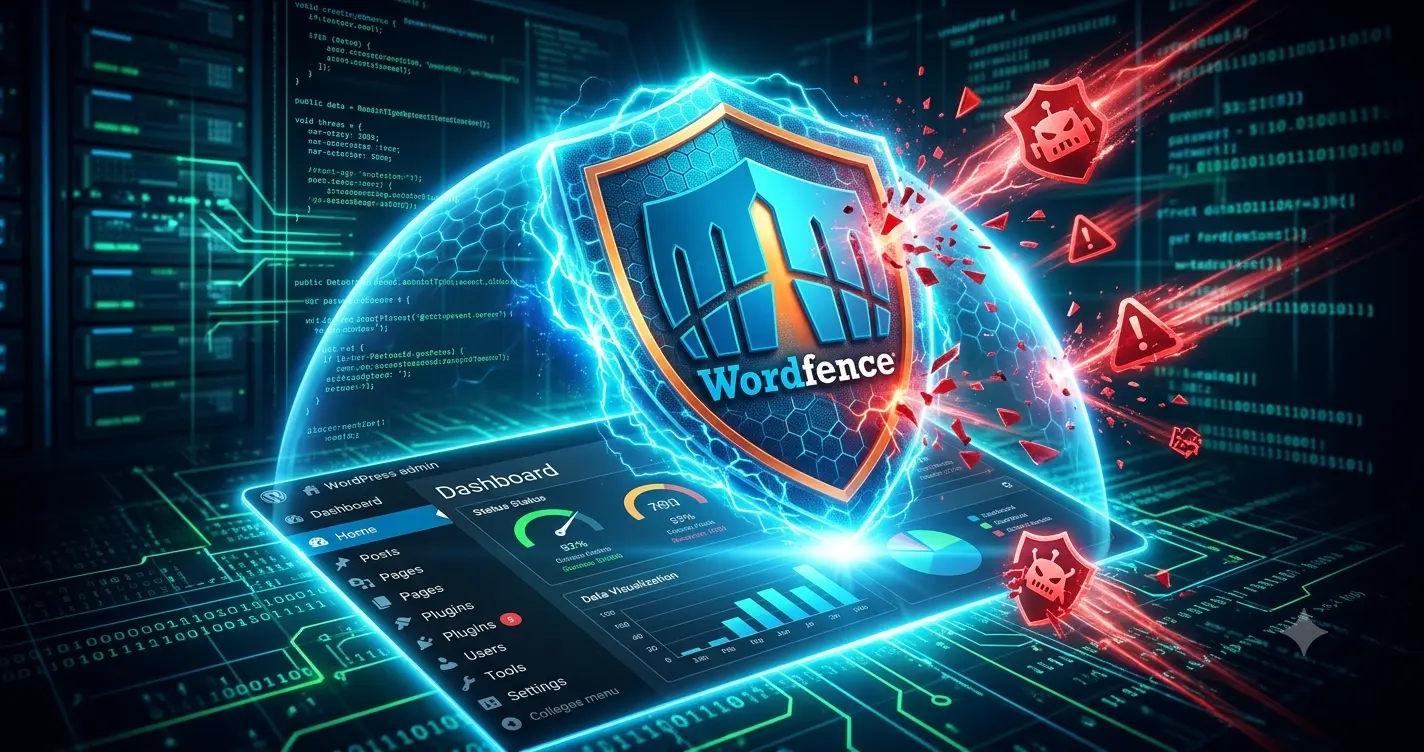
Installing Wordfence is not enough to secure a digital storefront. The default settings leave too many doors open for automated bot attacks. You must configure specific firewall and blocking rules to actually protect your server and customer data. Here is exactly how to configure Wordfence for a high-traffic website. The Problem with Default Configurations Wordfence … Read more

How to Optimize WooCommerce for Instant Digital License Delivery

Supporting Article: Digital Business Hub) Selling digital products requires instant fulfillment. If your software license delivery delays even by five minutes, customers open fraud disputes. You must optimize your WooCommerce configurations to automate immediate delivery reliably. Configuring Product Settings for Speed WooCommerce handles physical goods by default. You must explicitly change the product settings for … Read more

How to Block Bad Bots Without Breaking SEO

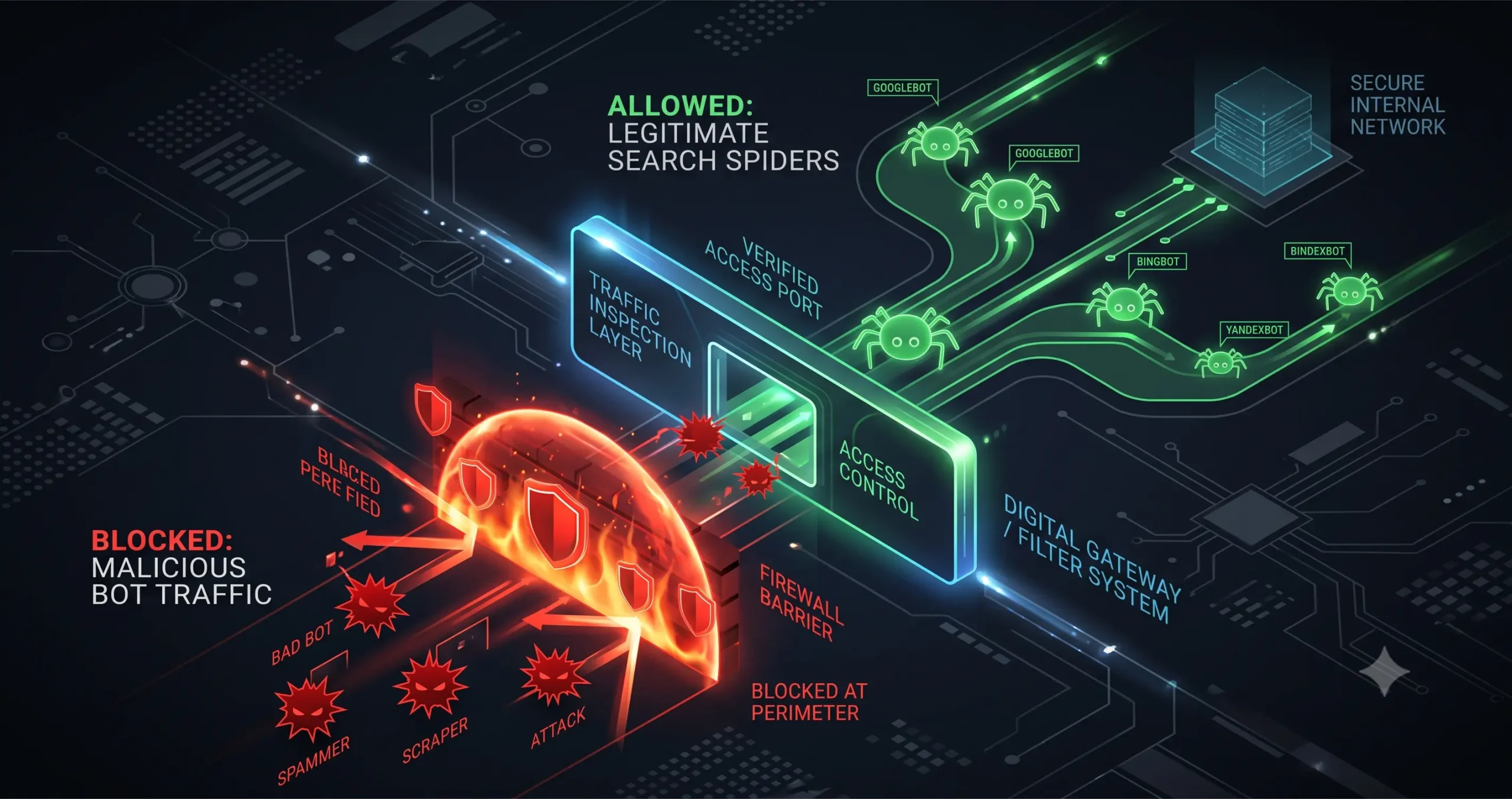
Automated bots crawl your website every single hour of the day. Some of these bots belong to search engines like Google, which you need to preserve your search rankings. Other bots belong to malicious actors scraping your product details, checking for security vulnerabilities, or stealing your server bandwidth. If you attempt to block bad bots … Read more

The Ultimate WooCommerce Caching Stack: Configuring NGINX and WP Rocket

A fast e-commerce site prevents abandoned carts and lost revenue. The most effective WooCommerce caching stack combines server-level NGINX with WP Rocket. You must always clear NGINX first, then WP Rocket, to avoid breaking your store. Why Caching Order Matters for E-commerce Running a digital store requires dynamic pages for checkouts and accounts. If you … Read more