
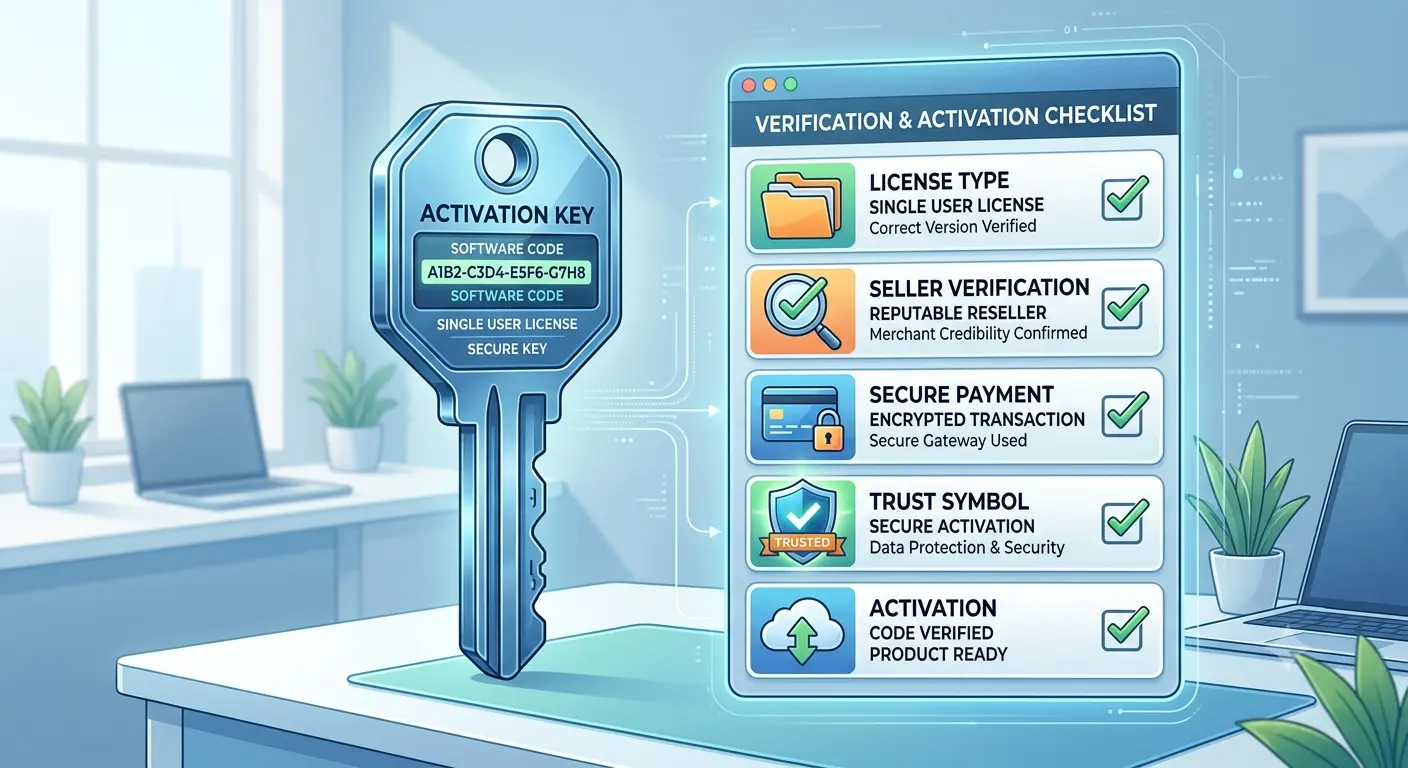
Buying software online has never been easier. With thousands of websites offering activation keys for operating systems, productivity software, creative tools, and security applications, customers have more choice than ever before.
However, that convenience also raises an important question: How can you tell if a software key is genuine before you buy it?
Many buyers focus only on price. While saving money is understandable, purchasing software without checking the seller or the product can lead to activation problems, unsupported licenses, or unnecessary frustration.
This tutorial explains how to evaluate software offers before purchasing and what to look for when deciding whether a product is likely to be genuine.
Step 1: Understand What You’re Buying
Before purchasing any software, identify exactly which product you need. Check the product edition, software version, operating system compatibility, license type, number of activations, and supported devices. Two products with similar names may include very different licensing rights, so understanding the product first helps prevent buying the wrong license.
Step 2: Read the Product Description Carefully
A trustworthy product page should clearly explain what is included, how delivery works, installation requirements, the activation method, license limitations, and customer support options. If important information is missing, ask questions before placing an order. Transparent businesses make product details easy to understand.
Step 3: Understand the License Type
Not every software key provides the same rights. Common license types include Retail, OEM, Volume Licensing, and Subscription. Each has different rules regarding transfers, device limits, updates, and long-term usage. Knowing the license type helps you choose the correct product for your needs.
Step 4: Check the Seller’s Information
Before purchasing, review the business itself. Look for contact information, support channels, a privacy policy, terms of service, and a refund policy. Businesses that communicate clearly generally provide a better buying experience.
Step 5: Compare More Than Price
Price is only one factor. Also consider customer support, delivery speed, payment security, reputation, and the quality of product information. A slightly higher price may represent better value if the buying experience is significantly stronger.
Step 6: Use Secure Payment Methods
Whenever possible, pay using methods that provide purchase protection. Secure checkout pages should use HTTPS encryption and trusted payment providers. Avoid sending payments through unsecured channels unless you fully understand the associated risks.
Step 7: Verify Delivery Information
Before completing your purchase, understand how your software will be delivered. Common methods include email delivery, a customer account dashboard, a download portal, or a license management system. Knowing what to expect reduces confusion after payment.
Step 8: Keep Your Purchase Records
Save your order confirmation, payment receipt, product key, installation instructions, and support emails. Good records make future installations and customer support much easier.
Step 9: Activate Promptly
After receiving your software key, complete activation according to the publisher’s instructions. Avoid waiting several months before testing your purchase. Early activation allows any problems to be identified while your purchase information is still easily available.
Step 10: Contact Support If Something Doesn’t Look Right
If you experience unexpected activation problems, contact the seller first. Provide your order number, the product purchased, any error messages, and screenshots when appropriate. Many issues can be resolved quickly through customer support.
Common Mistakes
Customers often buy without reading the product page, assume every license is identical, ignore refund policies, or wait too long to activate their purchase. Carefully reviewing product details and testing the software promptly can help avoid unnecessary issues.
Frequently Asked Questions
Can I verify a software key before activation? Generally, no—the key itself usually cannot be independently verified before use. Instead, evaluate the seller, product description, and licensing information. Does a higher price guarantee authenticity? No. Should I keep my purchase confirmation? Yes. Is customer support important? Absolutely; responsive support adds value beyond the software itself.
Final Thoughts
Verifying a software key begins long before activation. Understanding the license, reviewing the seller, reading the product description carefully, and using secure payment methods all help reduce risk. Rather than choosing solely on price, focus on buying from businesses that provide clear information, responsive support, and transparent policies. Spending a few extra minutes before purchasing can save hours of troubleshooting later.