
The Short Answer
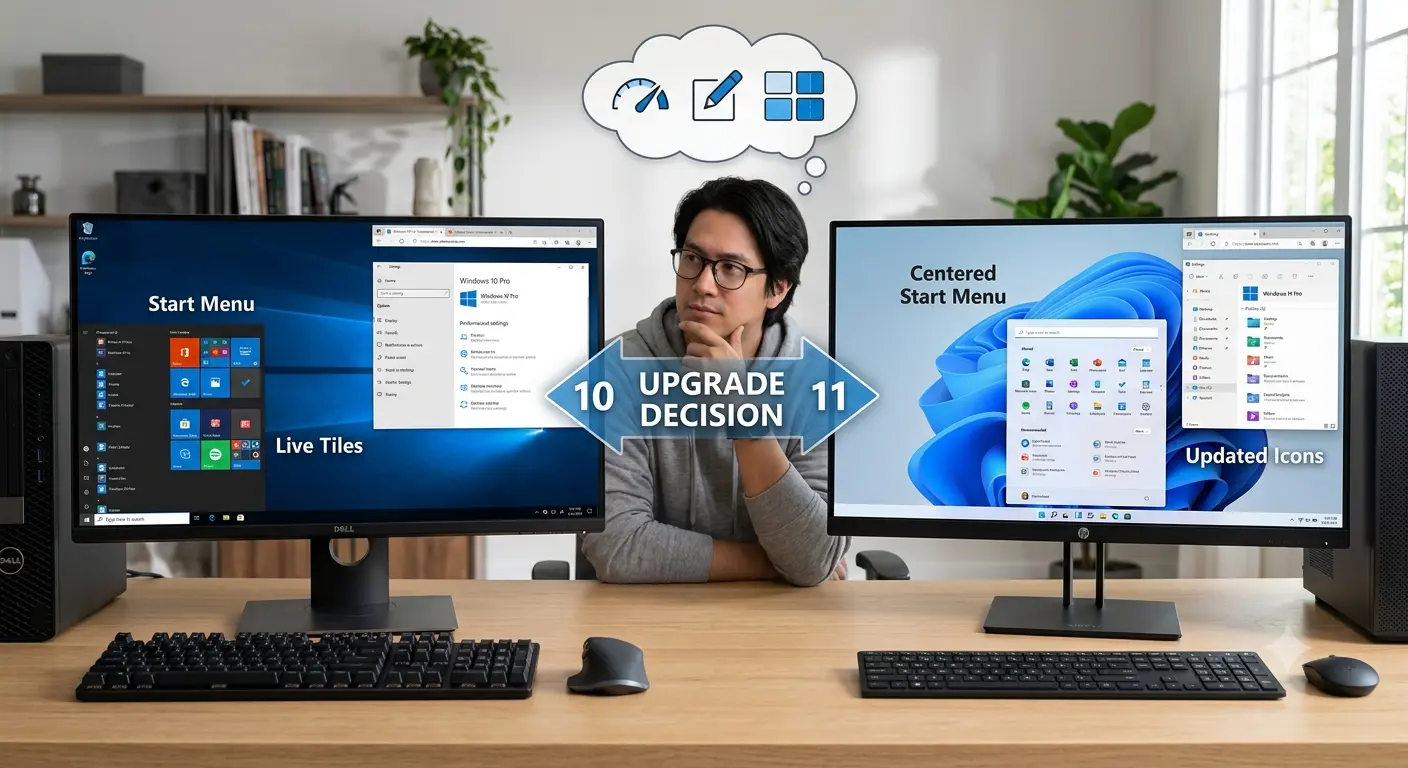
If your computer supports Windows 11, upgrading is usually the right decision in 2026. The main reasons are support, security updates, newer hardware compatibility, and Microsoft’s future focus on Windows 11.
Windows 10 End of Support Changes Everything
Windows 10 reached the end of mainstream support on October 14, 2025. The operating system continues working, but unsupported systems become increasingly risky as security updates and future compatibility decline.
Windows 11 Is More Than a Visual Upgrade
Windows 11 changes the interface but also introduces stronger security requirements, including TPM 2.0, Secure Boot expectations, and improved support for modern hardware.
Performance Differences
Windows 11 is not a magical speed upgrade. Performance depends mostly on hardware such as your processor, SSD, RAM and graphics card. On newer systems, Windows 11 is designed around modern hardware.
Gaming
Gaming performance is generally close between Windows 10 and Windows 11. New gaming features and newer hardware support give Windows 11 a long-term advantage.
Software Compatibility
Most modern applications support Windows 11. Older specialised software should be tested before upgrading, especially in business environments.
Older PCs
Some older computers run Windows 10 well but fail Windows 11 requirements because of processor, TPM 2.0 or Secure Boot limitations.
Continuing With Windows 10
Users staying on Windows 10 should maintain security software, backups, updated browsers and strong account protection. These steps reduce risk but do not replace official updates forever.
Unsupported Windows 11 Installs
Installing Windows 11 on unsupported hardware can work, but may introduce future update, driver and compatibility concerns.
Hardware Upgrades Matter
Older PCs often benefit more from SSD upgrades, additional RAM or a clean installation than from changing operating systems alone.
Useful Windows 11 Improvements
Real-world improvements include better window management, improved settings organisation, stronger default security and better support for newer hardware.
When To Wait
Some users should delay upgrading if they rely on older software, unsupported hardware, specialised drivers or mission-critical systems.
Common Upgrade Mistakes
Check compatibility, test applications, create backups and avoid rushing major operating system changes.
Final Verdict
Windows 10 remains a capable operating system, but Windows 11 is the better long-term choice for supported hardware. The decision should balance security, compatibility and the value of existing hardware.