If you’re shopping for Microsoft Office online, you’ll often see both OEM and Retail licenses. While they install the same Office applications, the licensing rights are different.
What Is an OEM Office License?
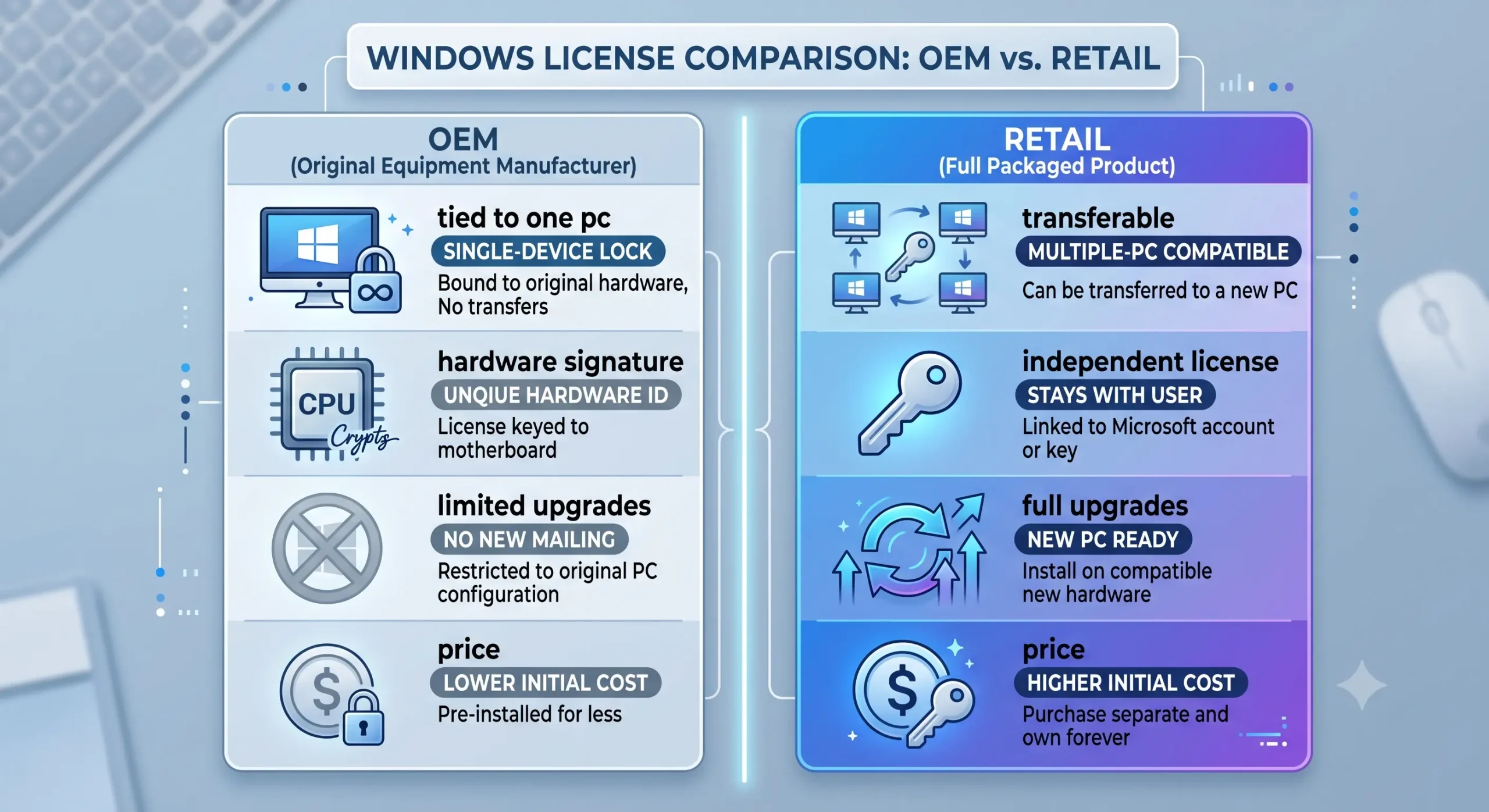
OEM (Original Equipment Manufacturer) licenses are typically supplied with new hardware and are generally intended to remain with the first computer on which they are activated.
What Is a Retail Office License?
Retail licenses are purchased separately from the computer and usually offer greater flexibility, including the ability to transfer the license to another compatible computer according to Microsoft’s licensing terms.
Key Differences
• OEM: Lower cost, usually tied to one computer, limited transfer rights.
• Retail: Higher cost, greater flexibility, generally transferable.
Which Applications Are Included?
The included applications depend on the Office edition rather than the license type. OEM and Retail versions of the same edition contain the same apps.
Why Are OEM Licenses Cheaper?
OEM licenses are intended for specific hardware and usually have more restrictive licensing rights, allowing them to be offered at a lower price.
Who Should Choose OEM?
• Users keeping the same computer for several years.
• Buyers looking for lower upfront cost.
Who Should Choose Retail?
• Users who regularly upgrade computers.
• Anyone wanting greater flexibility.
Common Misconceptions
• OEM software is not lower quality.
• Retail software is not faster.
• Not every Office license can be transferred.
Frequently Asked Questions
Can I reinstall Office?
Usually yes, on the same licensed device.
Can I move an OEM license?
Generally OEM licenses are intended to remain with the original computer.
Final Thoughts
OEM and Retail Microsoft Office licenses deliver the same Office experience, but their licensing rights differ. Choose the option that matches your future hardware plans rather than simply selecting the lowest price.