
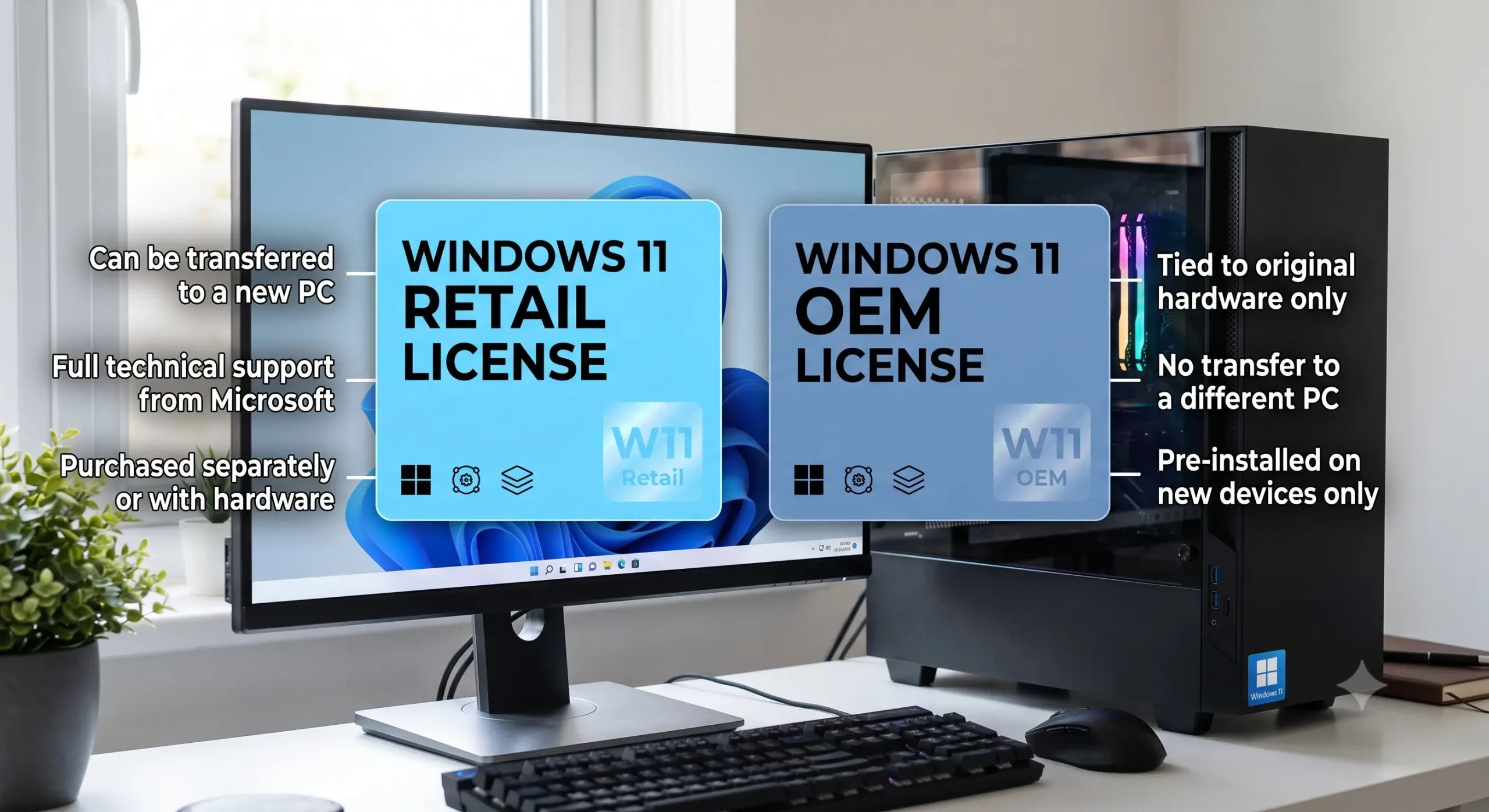
If you’ve searched for a Windows license online, you’ve probably noticed huge price differences. One listing might offer a Retail license while another advertises an OEM license at a much lower price. Since both activate Windows, many buyers assume they’re identical. They are not.
The biggest difference is not the software you receive. Both licenses activate the same version of Windows. The difference is the rights attached to that license. Those rights determine whether you can move it to another computer, what happens after a major hardware upgrade, and who is responsible for support.
Understanding those differences helps you avoid buying the wrong license for your needs.
What is a Retail Windows license?
A Retail license is intended for individual consumers. It is normally purchased directly from Microsoft or an authorised reseller. In most cases, the license can be transferred to another computer, provided it is removed from the old one and Microsoft’s license terms are followed.
Retail is the best choice for users who regularly upgrade hardware or replace their computer every few years.
Typical advantages:
- Transferable to another PC.
- Better long-term value for enthusiasts.
- Direct Microsoft activation support.
- Suitable for custom-built computers.
What is an OEM Windows license?
OEM stands for Original Equipment Manufacturer. These licenses are designed for computer manufacturers that install Windows before selling a new device.
Once activated, an OEM license is generally tied to the first motherboard it is installed on. Replacing components like RAM or storage normally isn’t an issue, but replacing the motherboard can require a new license unless the replacement falls under Microsoft’s repair policies.
OEM licenses usually cost less because they provide fewer transfer rights.
Typical advantages:
- Lower purchase price.
- Ideal for a computer that is unlikely to be upgraded.
- Common on laptops and prebuilt desktops.
Key differences
Transfer rights:
Retail licenses are usually transferable. OEM licenses generally are not.
Cost:
OEM licenses are often cheaper. Retail licenses command a higher price because of their flexibility.
Support:
Retail customers receive Microsoft support. OEM support is generally expected from the system builder or manufacturer.
Hardware upgrades:
Retail licenses are more forgiving when major hardware changes occur.
Which one should you buy?
Choose Retail if you:
- Build your own PCs.
- Replace computers regularly.
- Want maximum flexibility.
- Expect major hardware upgrades.
Choose OEM if you:
- Are buying a PC you plan to keep for years.
- Want the lowest upfront cost.
- Don’t expect to replace the motherboard.
Common myths
Myth: OEM licenses are fake.
Reality: OEM is a legitimate licensing channel. The important question is whether the seller is authorised and whether the license is being sold in accordance with applicable terms.
Myth: Retail is always better.
Reality: Not necessarily. If a computer will be used until retirement with no major upgrades, OEM may provide excellent value.
Practical takeaway
Retail and OEM Windows licenses install the same operating system. The difference lies in ownership flexibility rather than software features. If future upgrades matter, Retail is usually the safer investment. If the computer is unlikely to change and budget is the priority, OEM can be the better fit.
4 thoughts on “Retail vs OEM Windows Licenses: What’s the Difference?”