
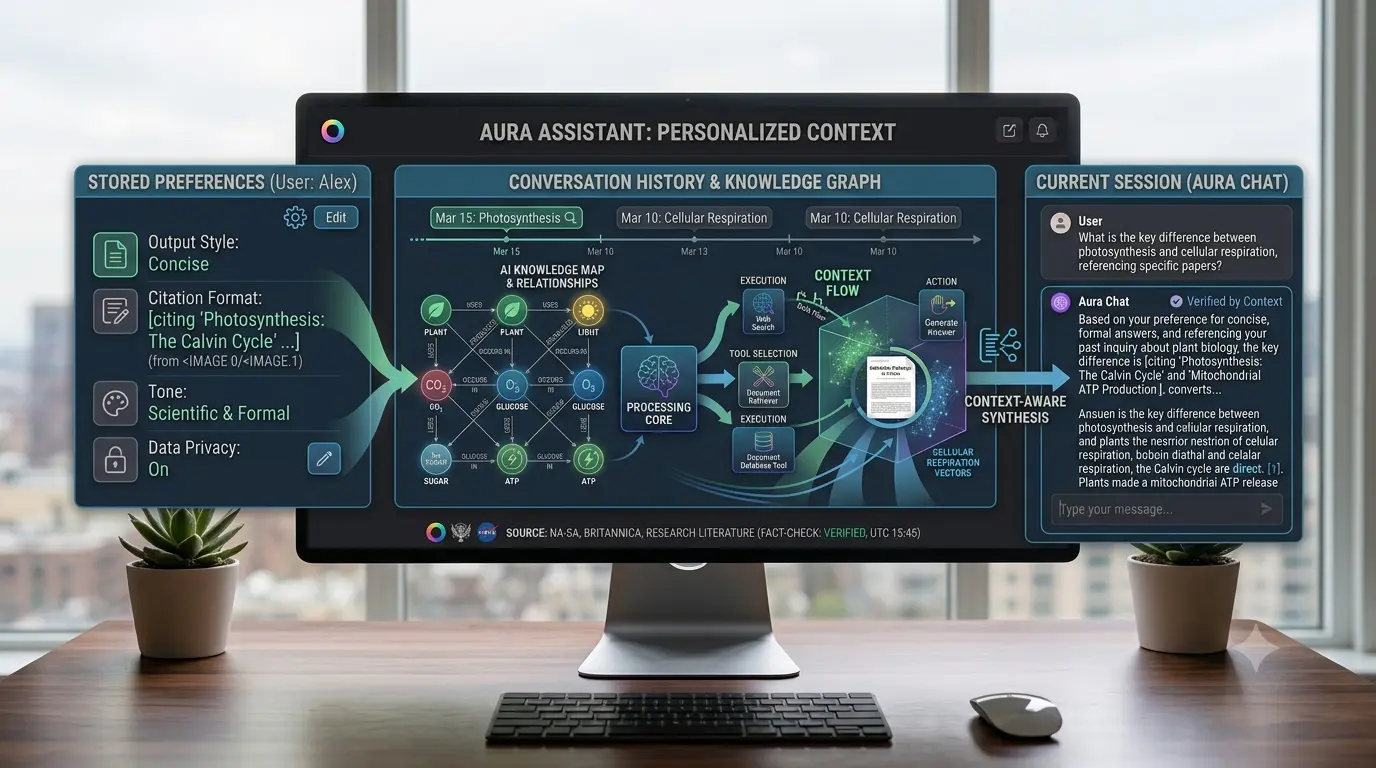
One of the most common frustrations with AI assistants is why they forget things between conversations.
AI memory is the feature that allows some AI systems to retain useful information across conversations.
AI memory is different from human memory. It is usually a collection of stored information that the system can reference later.
What Is AI Memory?
AI memory allows an AI assistant to store and use information from previous interactions.
Examples:
– Preferred writing style.
– Common tasks.
– Business context.
– Response preferences.
– Important project information.
The goal is personalization.
AI Memory Is Not the Same as Human Memory
Human memory is connected to experiences and emotions.
AI memory is usually stored information that the system can retrieve later.
The AI does not remember moments. It retrieves saved details.
How AI Memory Works
Step 1: Information Is Identified
The system decides whether information may be useful to remember.
Step 2: Information Is Stored
Useful details are saved in a memory system.
Step 3: Memory Is Used Later
Relevant saved information can be used in future conversations.
Why AI Assistants Forget Things
AI systems do not remember everything because of:
Privacy:
Saving everything creates unnecessary risks.
Relevance:
Old information may become outdated.
Technical limits:
AI systems cannot load unlimited past conversations every time.
Different Types of AI Memory
Conversation Memory:
Information available during the current chat.
Saved Memory:
Selected information stored across conversations.
Knowledge Bases:
External information sources that AI can search, often using RAG systems.
AI Memory vs Context Window
A context window is the information an AI model can process during one conversation.
Memory stores selected information that can be used in future conversations.
Context window:
“What can the AI see right now?”
Memory:
“What information can the AI use later?”
Why AI Memory Is Useful
Memory reduces repetition.
Examples:
– Writing preferences.
– Long-term projects.
– Recurring workflows.
– Personal formatting choices.
Can AI Memory Be Wrong?
Yes.
Stored information can become outdated.
Good memory systems allow users to:
– Review saved information.
– Delete memories.
– Update preferences.
Privacy and AI Memory
Users should have control over:
– What is stored.
– What can be deleted.
– What information is used.
AI memory involves a balance between convenience and privacy.
AI Memory and Business Use
Businesses can use memory for:
– Sales assistants.
– Support assistants.
– Internal knowledge systems.
Strong permissions and security controls are important.
AI Memory With Other Technologies
Memory + RAG:
Memory stores user context while RAG retrieves external information.
Memory + AI Agents:
Memory helps agents handle repeated tasks more effectively.
Should You Enable AI Memory?
Memory is useful for frequent AI users, long-term projects, and repeated workflows.
Some users may prefer limited memory for sensitive information or occasional use.
The Future of AI Memory
Future AI systems may remember work habits, preferred tools, communication styles, and ongoing projects.
The challenge is not remembering everything.
It is remembering the right things.
The Practical Takeaway
AI memory is not human memory.
It stores useful information that helps assistants provide better responses later.
The best AI memory systems balance:
– Personalization.
– Accuracy.
– Privacy.
The goal is not for AI to remember everything.
The goal is for AI to remember what actually helps.