
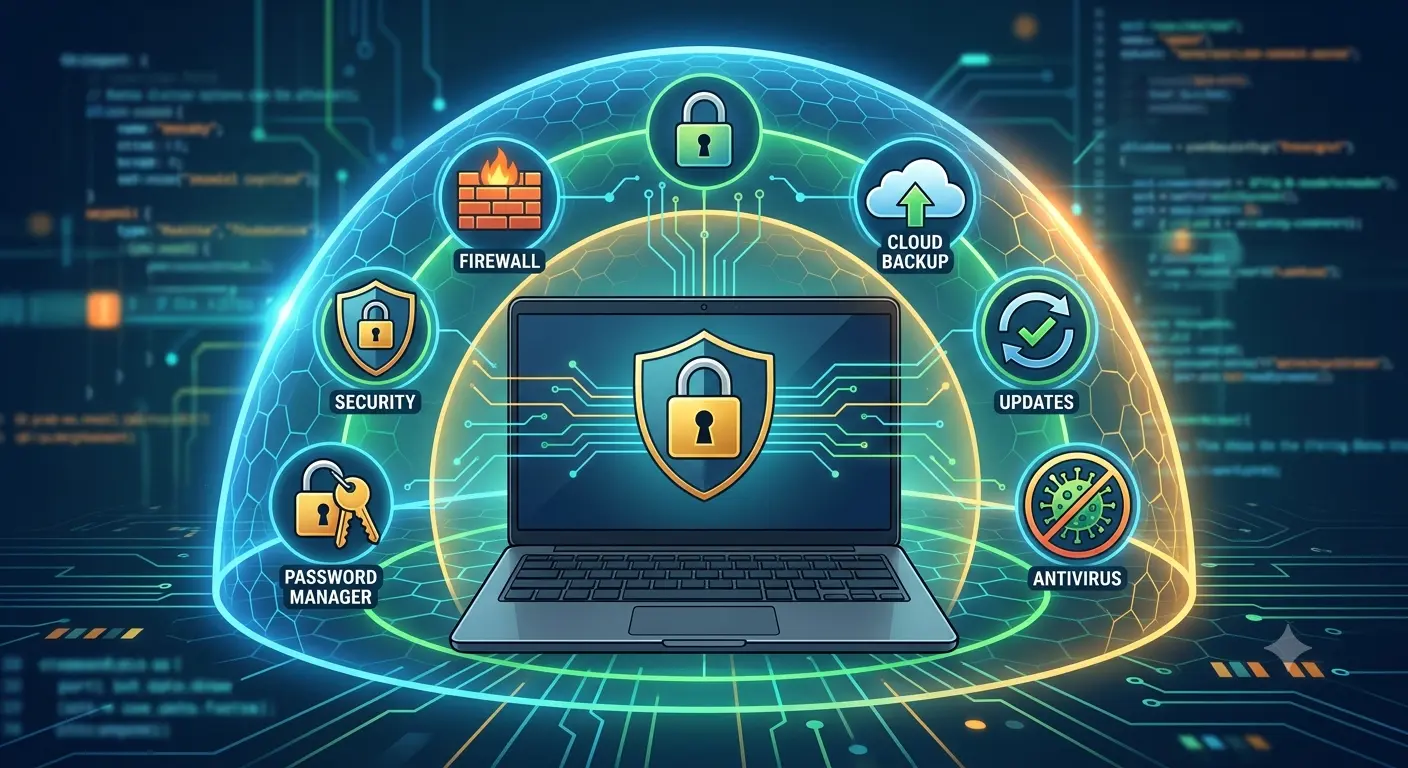
For years, installing antivirus software was one of the first things people did after buying a new computer. Today, modern operating systems include built-in security features, browsers block dangerous websites, and updates install automatically.
This guide explains what antivirus software does today, what built-in protections already exist, and when additional security software is worthwhile.
How Antivirus Software Has Changed
- Malware detection
- Ransomware protection
- Phishing prevention
- Safe browsing
- Real-time monitoring
- Download scanning
- Identity protection
- Privacy features
Modern security software protects against a broad range of threats instead of only traditional viruses.
Built-In Security Is Better Than Ever
- Built-in malware protection
- Automatic security updates
- Firewall protection
- Application permissions
- Secure boot
These features provide a strong baseline for many users.
Your Habits Matter More Than Your Antivirus
- Downloading software from unknown sites
- Opening suspicious attachments
- Clicking fake login pages
- Reusing passwords
- Ignoring warnings
Safe online habits remain one of the best forms of protection.
When Antivirus Makes Sense
- Frequent software downloads
- Peer-to-peer file sharing
- Business data
- Financial accounts
- Shared computers
- Extra privacy features
Many paid products also include password managers, VPNs, and identity monitoring.
When Built-In Protection May Be Enough
Keep software updated, use trusted sources, enable MFA, browse carefully, and use strong passwords.
Beware of Fake Antivirus Software
Only download security software from trusted developers. Avoid fake alerts, scareware, and suspicious payment requests.
Antivirus Is Only One Layer of Security
- Strong passwords
- Password manager
- Multi-factor authentication
- Regular backups
- Software updates
- Secure Wi-Fi
- Careful browsing
Don’t Forget Mobile Devices
Keep phones updated, install apps from official stores, review permissions, enable screen locks, and maintain backups.
Common Myths
Macs Don’t Need Security
No platform is immune.
Free Antivirus Is Always Bad
Some free products provide good protection.
Paid Antivirus Guarantees Safety
No product guarantees complete protection.
I Don’t Need Backups If I Have Antivirus
Backups remain essential.
Frequently Asked Questions
Is built-in protection enough?
For many users, yes.
Should I pay for antivirus?
Consider paid software for advanced features.
Does antivirus slow computers down?
Modern products usually have minimal impact.
What’s the best protection?
Good habits combined with layered security.
Final Thoughts
Whether you need antivirus depends largely on your habits, devices, and risk profile. Built-in security is excellent, but informed behaviour remains the strongest defence.