
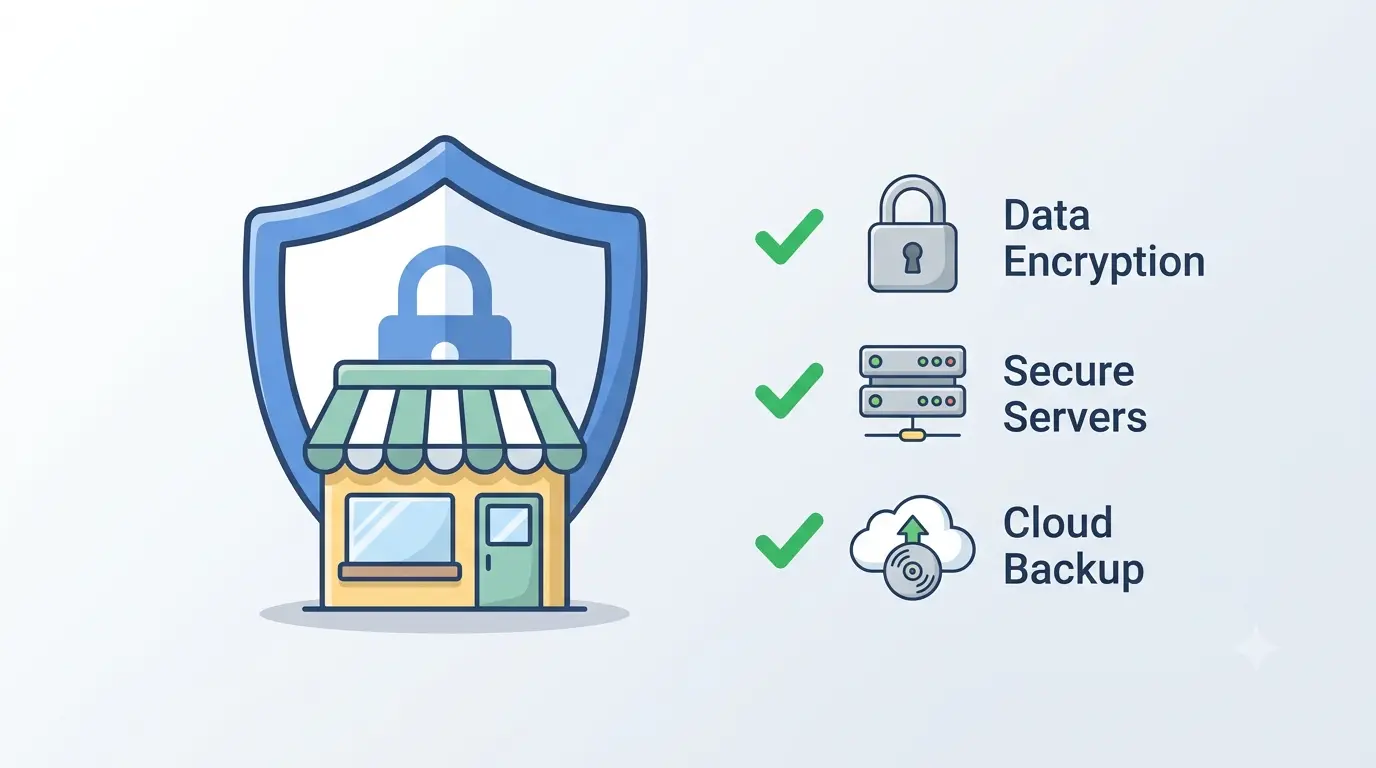
Why Small Stores Are Prime Hacking Targets
Running a digital storefront comes with immense responsibility. When a customer buys a product from your website, they trust you completely. They hand over their personal names, email addresses, and private payment details. Many small store owners assume they are completely safe from cybercriminals. They believe automated bots only target massive corporate platforms.
This assumption is a dangerous myth. Automated hacking scripts scan thousands of websites every single minute. They do not check your monthly revenue figures. They only look for easy entry points. If your website lacks basic digital defenses, automated scripts will exploit it instantly.
A single security breach can destroy your brand reputation overnight. Fixing a hacked website takes weeks of painful cleanup work. It costs significant money and stops your sales entirely. You must implement a strong security baseline immediately. Protecting your shop does not require a complex IT team. You just need a strict setup.
—
Foundational Security Starts at the Server Level
Your website security relies entirely on your hosting environment. A cheap, low-quality shared hosting package is a massive liability. If one website on a poor shared server gets infected, the malware can spread to your store.
You must choose a high-quality hosting provider that offers active server-level firewalls. Good hosts isolate accounts from each other cleanly. They actively scan for modified files in the background. They block suspicious server requests before they reach your software.
You should also implement a strict rule in your cPanel file manager. Block all PHP script execution inside your media uploads directory. This simple command stops hackers from executing malicious scripts if they exploit a form upload gap. It acts as a heavy digital wall at the absolute base of your system infrastructure.
—
Hardening the Login Gate with Strict Policies
Weak login credentials are the easiest way for hacking scripts to breach your dashboard. You must secure the front door of your store immediately. Start by removing any administrator profile with the username admin. Automated brute-force attacks guess this specific name first.
Every single person on your team needs a completely unique password. Do not reuse passwords across multiple websites. Use a password manager to generate random strings containing numbers and symbols.
More importantly, you must enforce Two-Factor Authentication for every administrator account. This extra layer sends a temporary code to your personal mobile phone during login. Even if a hacker steals your password, they cannot access the dashboard without your physical device. You should also limit failed login attempts to three tries. This automatic block stops brute-force tools from guessing passwords indefinitely.
—
Implementing a Strict Three-Tier Backup Routine
The difference between a minor operational delay and total business ruin is a clean backup archive. You cannot rely solely on your hosting provider to save your files during an emergency. You must maintain personal control over your historical data.
A reliable backup strategy requires three distinct layers. First, download a complete copy of your database every single week. The database holds all your order records, customer details, and plugin settings. Second, pull a full system file backup every month. Store these archives off-site in a secure local folder on your physical computer.
Never leave raw backup files sitting open in your public web directory. Automated bots scan for exposed archive extensions constantly. We once found an exposed backup archive file during a routine security audit. If a hacker downloads your backup file, they gain a complete blueprint of your entire digital asset structure.
—
Enforcing Strict User Role Management
Giving everyone full administrative access is a massive operational mistake. You must apply the principle of least privilege across your entire team. If you hire a freelance content writer, they only need an Editor or Author account role. They do not need access to your core WooCommerce settings or plugin installation menus.
Every unnecessary administrator account multiplies your security risk exponentially. Review your user list every single month. Remove old accounts from past developers or former staff members immediately.
Forgotten accounts are a classic entry point for attackers looking for an easy backdoor into your business. Hackers often search for these abandoned developer profiles because they rarely have Two-Factor Authentication activated. Close these doors immediately to protect your core data.
—
Deploying a Web Application Firewall and Scanner
You cannot watch your website dashboard twenty-four hours a day. You need an automated guard to monitor traffic constantly. A Web Application Firewall plugin is mandatory for every single WooCommerce store.
The firewall identifies bad bots and blocks malicious IP addresses automatically. It stops scrapers from stealing your product text and pricing data. A premium security plugin also tracks file changes continuously. It compares your active files against the official clean core repository.
If a malicious script modifies a single line of code, the plugin sends an immediate email alert. Catching an infection within an hour makes cleanup incredibly simple. If you wait until search engines blacklist your domain, recovery becomes much harder. Do not install multiple firewalls at the same time. One well-configured security plugin is all you need to keep your store safe.
—
Managing System Updates and Eliminating Stale Code
Outdated software code is the leading cause of WordPress website infections globally. When a plugin developer discovers a security flaw, they release a patch immediately. Hackers read these public patch notes to find vulnerable sites that have not updated yet.
You must check for plugin, theme, and WordPress core updates regularly. However, clicking update blindly on a busy live store can sometimes cause layout conflicts. We recommend testing major version updates on a separate environment first. For minor security patches, you must apply them without delay.
Furthermore, you must clean out old code regularly. Deactivated plugins still sit on your server storage space. If a deactivated plugin contains an unpatched flaw, an attacker can still exploit it to gain entry. Delete all unused themes and plugins completely to reduce your digital footprint.
—
Securing Your Digital Business Infrastructure
Maintaining a secure digital store requires consistent discipline, not a massive software budget. By hardening your login protocols, executing regular off-site backups, and keeping your software updated, you protect your livelihood. A clean store lets you focus entirely on scaling your sales performance.
When your underlying system infrastructure is solid, your customers can browse your product collections with complete peace of mind. If you are looking to deploy genuine software utilities to manage your professional business securely, always source them from verified suppliers. You can check our online store to buy genuine software keys to ensure your operating environment remains fully legitimate and functional.
—