
The Silent Symptoms of a Website Hijack
Most website hacks do not look like a Hollywood movie. Your homepage will not suddenly display a flashing skull or a ransom note. Modern cybercriminals prefer to stay completely hidden. They want to steal your web traffic quietly. They hijack your server resources to run automated background tasks. They scrape your customer data without making a single sound.
If your WordPress store is compromised, you might not notice anything wrong on the front end. Everything might look perfectly normal to your daily visitors. Many store owners operate for weeks or months before they notice a sudden drop in revenue. You must proactively hunt for hidden signs of infection. Do not wait for a major crisis to destroy your business reputation.
Automated bots scan the internet every single day looking for easy targets. They do not care about the size of your business. They just want server access. Finding a breach early saves you from long-term financial damage.
—
Rogue Folders and Strange Server Files
The absolute first place you should check is your hosting file manager. Do not rely entirely on your standard WordPress dashboard interface. Log into your cPanel or secure file transfer client. Open your primary public HTML directory to examine the files.
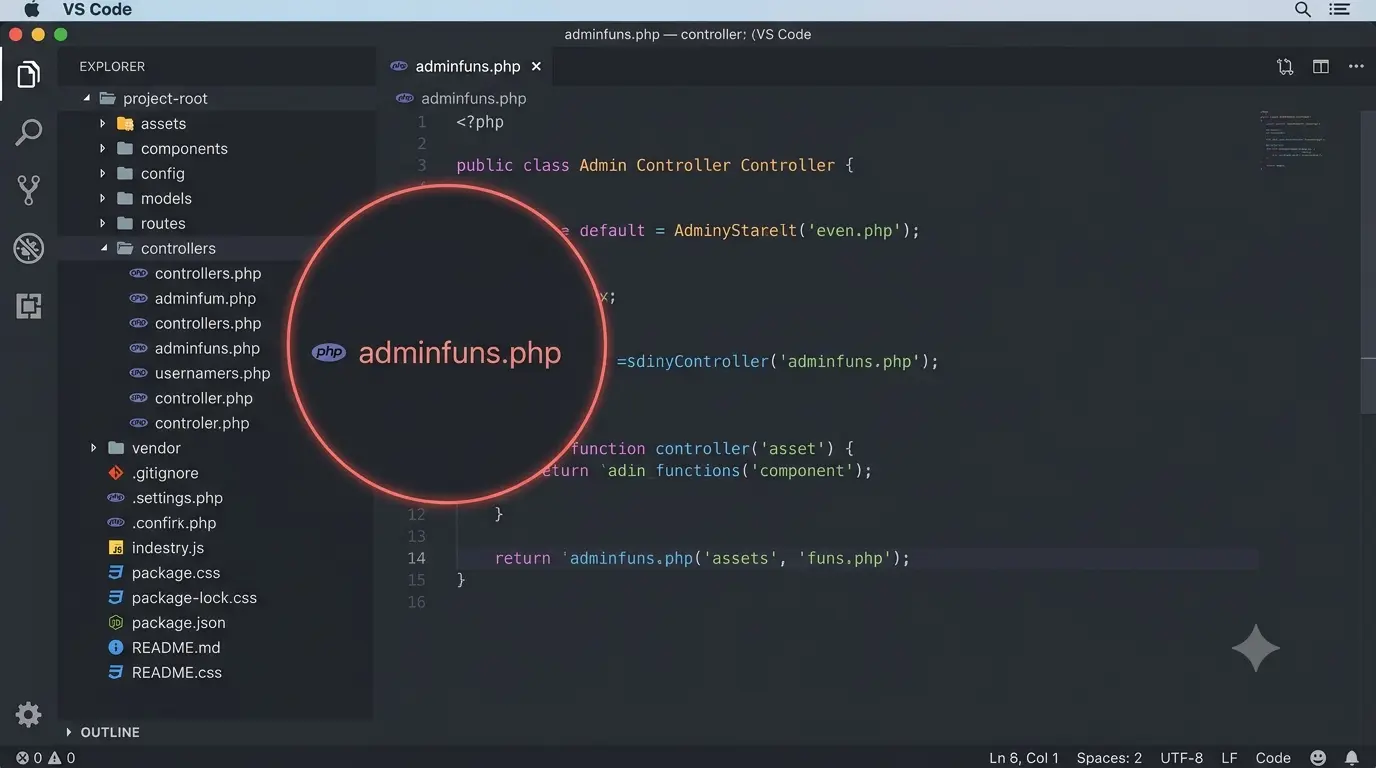
Attackers often create hidden directories to host their malicious scripts. These directories frequently use names that mimic legitimate core folders. Look closely for unusual spelling variations of your own domain name. We once found fake folders masquerading as legitimate staging environments. Check for unexpected executable files sitting directly in your root folder. A highly dangerous executable file named adminfuns.php is a classic red flag.
You must also check your uploads directory carefully. This folder should only contain media files like images and documents. If you find any PHP script inside your uploads folder, your site is actively compromised. Hackers upload these scripts through vulnerable forms to run server commands.
—
Massive Database Bloat and Hidden Tables
Website owners often focus entirely on cleaning public HTML files. They completely ignore the underlying database environment. This is a massive security oversight. Malicious commands often live inside your options tables or post metadata records.
During a complex site cleanup, we discovered four massive rogue databases. These fake databases were running silently next to our legitimate store tables. They were eating up nearly four gigabytes of our total server space. Attackers inject encoded lines of text into the database structure.
The second your homepage loads, the system pulls that text and runs the code. This hidden process automatically regenerates the deleted files on your server storage. You must audit your database using cPanel tools like phpMyAdmin. Look for bloated tables that do not belong to your active plugins.
—
Unexplained Search Console Warnings
Your website traffic numbers will often reveal a security breach early. They show signs long before your firewall plugin sends a warning message. Open your Google Search Console account immediately. Look closely at your indexed pages report.
Attackers frequently inject thousands of automated spam pages into compromised websites. These pages usually promote sketchy goods or illegal betting platforms. Look at the section labeled crawled but not currently indexed. If you see thousands of weird parameter URLs ticking up daily, malware is working.
We once saw crawling errors spike to over fifty thousand due to malicious query strings. Hackers generate these junk URLs to manipulate search rankings dynamically. If Google notices this spam, they will penalize your domain silently.
—
Severe Traffic Drops and Revenue Loss
You must also watch for sudden, extreme drops in your organic traffic. Search engines like Google actively protect web users from dangerous links. If they detect a malware infection, they filter your site out of search results. If your top-selling category pages suddenly lose eighty percent of their daily traffic, check your server.
A hacked site bleeds organic traffic incredibly quickly. However, you must verify the drop against your actual sales data. Sometimes analytics dashboards show false alarms due to broken tracking codes. Cross-check your traffic alerts against your actual WooCommerce order volume.
If both your traffic and your daily sales drop simultaneously, your site is likely compromised. Do not assume it is just a slow network day or a seasonal dip.
—
Malicious Snippets and Injected Scripts
Hackers love to hide their entry tools inside legitimate administration plugins. If you use code snippet plugins to manage custom tracking scripts, check every entry. Attackers can install malicious database snippets right inside your active script managers.
We once found malicious PHP snippets quietly installed right inside our main code interface. These hidden scripts can quietly redirect your customer checkout links to third-party gateways. This specific attack drains your revenue immediately by stealing user clicks. You must manually audit your active code injection tables regularly.
You should also check your primary system configuration documents. Open your server configuration files and check for strange rewrite rules. Attackers modify these core files to ensure they can return easily.
—
Stealth Admin Accounts and Ghost Users
This is the fastest security verification you can perform today. Log into your main WordPress administration dashboard. Navigate directly to the Users tab on the left menu. Filter the entire list to show only accounts with Administrator privileges.
Review every single name and email address on that screen. Hackers create fake admin profiles to maintain a permanent backdoor into your software. They often use generic names to blend in with your active team members. If you spot any user email address you do not explicitly recognize, your site is breached.
Delete these unauthorized admin accounts instantly without hesitation. After deleting them, you must force a mandatory password reset for all legitimate team members. Stale accounts belonging to former developers are a classic entry point for automated hacking scripts.
—
Immediate Action Steps for Recovery
If you discover any of these warning signs, you must act immediately. Do not just delete a single weird file and assume your website is safe. Malware hides in multiple directories simultaneously. It uses persistent scripts to rebuild itself within hours.
Start by blocking all script execution inside your media uploads directory. This simple server rule stops uploaded malware from running completely. Next, apply strict redirect rules to drop bad traffic automatically. You must replace your core system directories with fresh copies from the official secure repository.
Finally, ensure you deploy a high-quality firewall plugin to monitor file changes in real time. If your business relies on digital sales, keeping your server clean is mandatory. You can visit our store to buy genuine security software keys to protect your environment.