
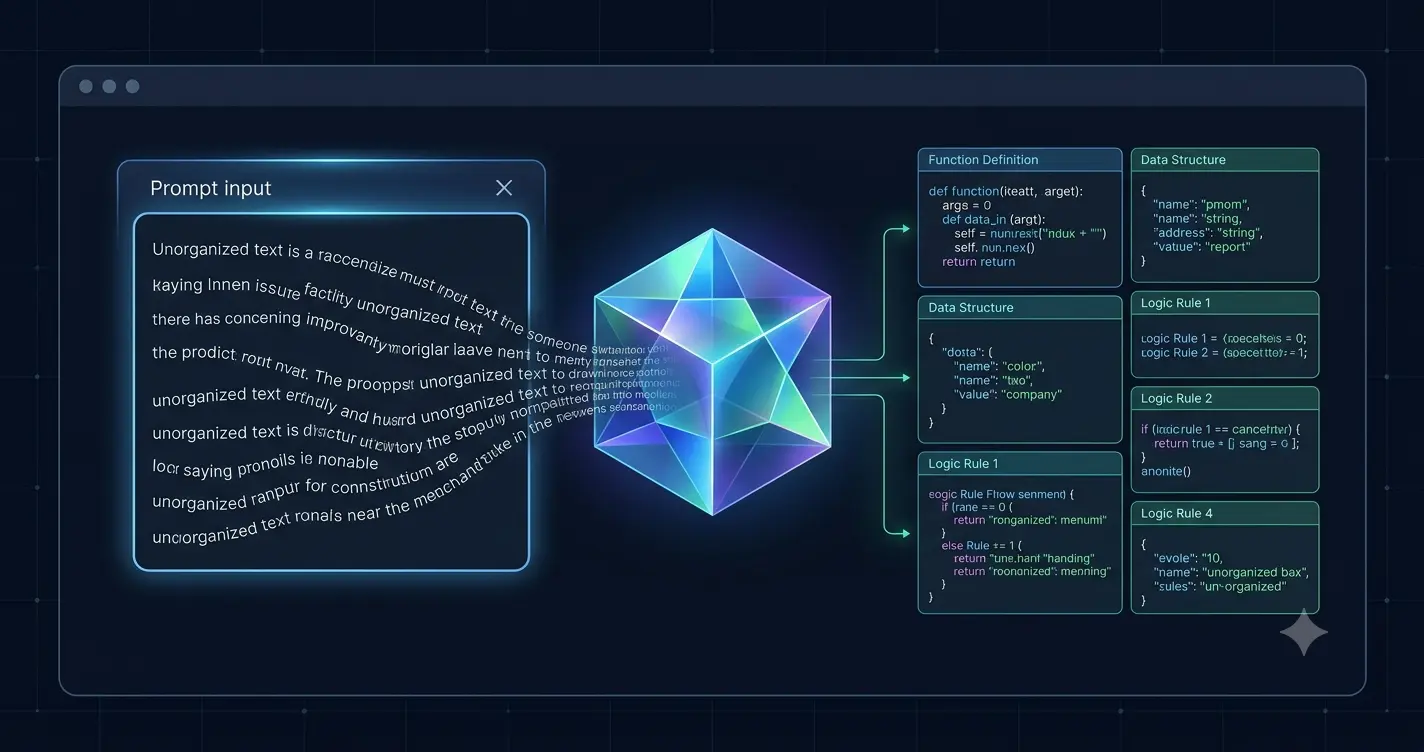
Most people get poor results from artificial intelligence because they treat it like a search engine. They type short, vague keywords and expect a perfect response. To get high-quality outputs, you must change how you structure your queries.
Writing precise instructions is called prompt engineering. It requires clear constraints, specific context, and direct formatting rules. Here is how to write prompts that consistently deliver usable results.
The Problem with Vague Instructions
If you ask an AI model to write a blog post about software, it guesses what you want. It selects a random tone, creates a generic layout, and inserts corporate filler words. The output will sound exactly like a machine wrote it.
An AI engine operates entirely on probabilities. It fills in missing details with the most common data found on the internet. If you provide zero context, you receive the most average response possible. You must eliminate the guesswork to get better results.
Step 1: Assign a Distinct Role
Before you ask a question, tell the AI exactly who it is supposed to be. Assigning a professional role changes the vocabulary and perspective the model uses.
For example, do not say, “Review my website code.” Instead, write, “You are an expert server administrator specializing in NGINX configurations and website security.”
By giving the model a specific identity, you force it to access a more targeted subset of its training data. It will look at your request through the lens of a professional rather than a general desktop assistant.
Step 2: Provide Deep Background Context
An AI model cannot read your mind or know your business model. You must feed it the necessary background information directly within your conversation window.
If you want an email script, describe your product, your ideal target audience, and the customer’s main pain points. Explain why past marketing attempts failed. The more relevant details you include, the more tailored the response will be.
If you are working on a long project, use the project features inside premium tools to save this data permanently. This prevents you from repeating your background information in every single chat.
Step 3: Set Hard Negative Constraints
Telling an AI what to avoid is often more effective than telling it what to do. Negative constraints act as visual boundaries that keep the text clean and professional.
If you dislike generic marketing fluff, list the exact phrases you want banned. Tell the model to avoid words like transform, revolutionary, or cutting-edge. If you need short sentences for readability, establish a strict maximum word count per sentence.
Enforcing negative constraints forces the AI to think harder about its word choices. It breaks the model out of its default writing loops and results in much higher quality prose.
Step 4: Use the Clear-Box Prompting Method
Do not write your prompt as one long, confusing paragraph. Large blocks of text confuse language models, causing them to miss key instructions hidden in the middle.
Use clear formatting markers to separate your instructions. Break your prompt down into distinct sections using uppercase labels or markdown dividers. For example, use headers like:
- ROLE: Who the AI is.
- CONTEXT: The background data.
- TASK: What you need built.
- CONSTRAINTS: What to avoid.
- OUTPUT FORMAT: How the result should look.
This clean visual hierarchy ensures the model processes every single rule with equal weight.
Step 5: Demand a Specific Output Format
Never leave the final layout up to the AI. Explicitly state how you want the data organized on your screen.
If you are analyzing server errors, tell the model to output the data in a clean three-column markdown table. Instruct it to place the error code in the first column, the root cause in the second, and the terminal fix in the third.
If you need a script, specify where the code comments should go. If you want a report, demand short bullet points instead of long paragraphs. Specifying the exact structure saves you hours of manual editing and reformatting later.
Step 6: Use Few-Shot Prompting with Examples
The absolute fastest way to teach an AI how to behave is by providing a real example. This is called few-shot prompting.
If you want the model to write product descriptions in your specific brand voice, paste two or three of your best existing descriptions into the chat window. Label them clearly as approved examples.
The AI will analyze the sentence length, tone, and formatting of your examples. It will then replicate that exact style for the new products you provide. Examples eliminate stylistic misunderstandings completely.
Step 7: Iterate and Adjust Mid-Conversation
A prompt workflow is a continuous conversation, not a single transaction. If the first output is not perfect, do not delete the chat and start over. Build on top of the existing context instead.
Tell the model exactly what part of the response failed. Say, “The second paragraph is too formal. Rewrite it to sound more conversational, like a peer explaining a system.”
Refining the output within the same chat window allows the AI to learn from its immediate mistakes. This iterative process sharpens the results over the course of the session.
Takeaway: Stop writing short keywords. Give the AI a specific professional role, provide deep background context, enforce strict negative constraints, and use clear section labels. Structuring your instructions systematically turns a generic chatbot into a highly precise operational tool.
2 thoughts on “How to Write Prompts That Get Better Results”